
Download Loon
Loon is a paid app with a one-time purchase model. Once purchased you can install it on every compatible device you own — iPhone, iPad, Mac and Apple TV.
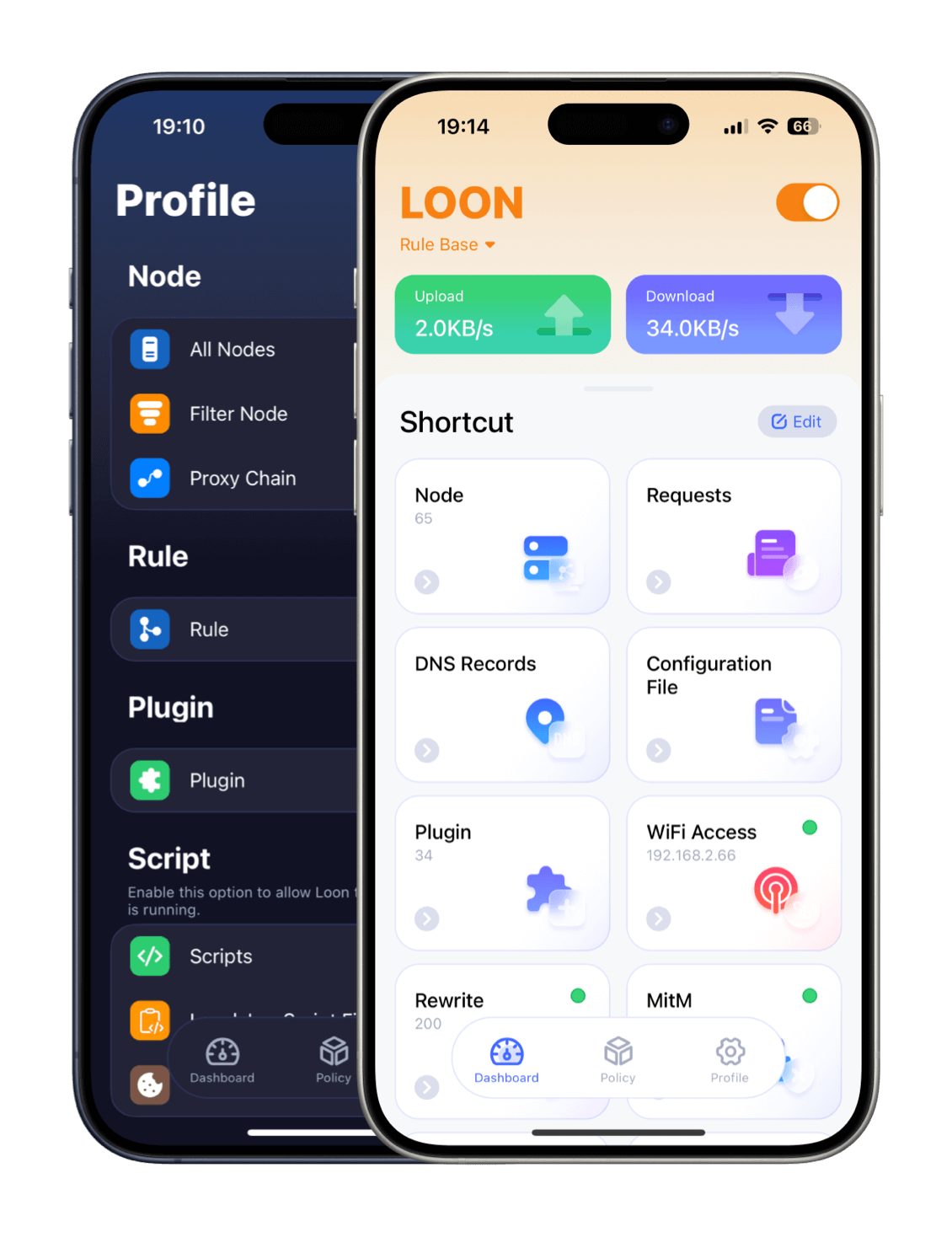
📥 Official download
Always install from the Apple App Store so that you keep receiving updates and security fixes.
| Platform | Status | Link |
|---|---|---|
| iOS / iPadOS | ✅ Available | Download on the App Store |
| tvOS (Apple TV) | ✅ Available | Search for Loon on the Apple TV App Store |
| macOS (Apple Silicon) | ✅ Compatible | Download on the App Store |
WARNING
Security notice: never install a "cracked" or "beta" build from a third-party site. Such packages can contain malicious plugins that steal your credentials and payment data.
🍎 Purchase notes
- Apple ID region: Loon is not available on the mainland China App Store. Sign in with a US, Hong Kong, Japan or other regional Apple ID to download it.
- Pricing: the price follows your regional App Store (roughly USD 5.99 in the US store).
- Family Sharing: Loon supports Family Sharing, so household members can download it at no extra cost.
- tvOS: if you already bought Loon on iOS, downloading it on Apple TV with the same account is free.
🛠 Installation
Requirements
- iOS / iPadOS: 15.0 or later.
- tvOS: 17.0 or later (for the current VPN framework).
- macOS: Apple M1 or newer, macOS 12.0 or later.
First launch
The first time you start Loon and enable the service, iOS asks "Loon Would Like to Add VPN Configurations". Tap Allow and enter your passcode to create the local tunnel.