
About Loon
Loon is more than a proxy client — it is a complete debugging and optimisation hub for iOS and tvOS. Whether you need to reach services across regions, block ads, or inspect packets in depth, Loon gives you control that stock tooling never exposes.
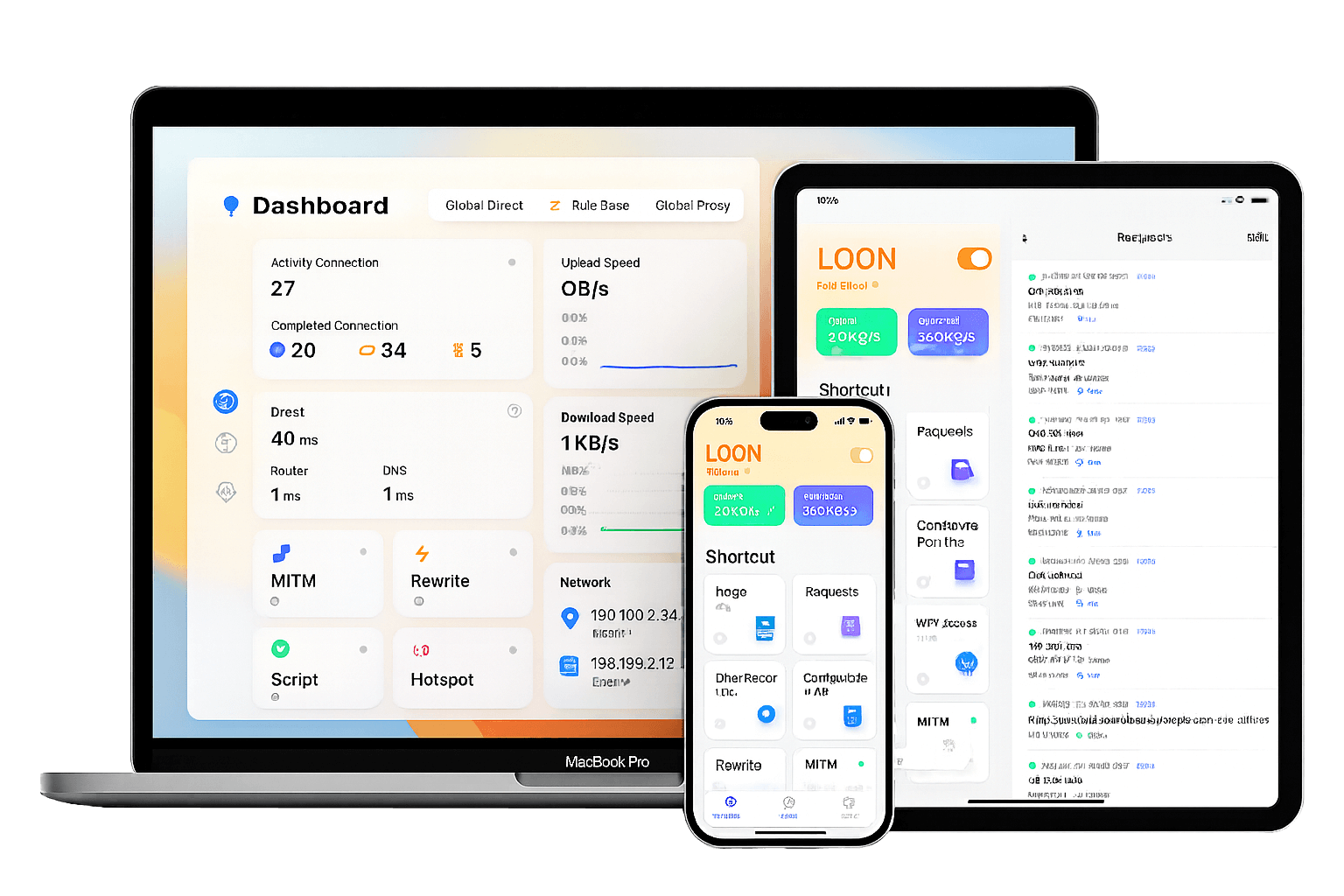
Core capabilities
🚀 Every modern protocol
Loon supports the protocols used by today's proxy providers:
- Mainstream: SS, SSR, VMess, Trojan, VLESS
- Modern: Hysteria2, Shadow-TLS, WireGuard
- Classic: HTTP/S, SOCKS5
🔍 Deep traffic analysis (MITM)
With Man-in-the-Middle (MITM) enabled, Loon decrypts HTTP2 and HTTPS traffic.
- Full records: headers and bodies of both requests and responses.
- Debugging: trace broken API calls and understand how an app talks to its backend.
🛠️ JavaScript scripting
Loon embeds a JavaScript engine that can modify requests and responses, which means you can:
- Write complex rewrite rules.
- Automate tasks such as daily check-ins or data collection.
- Adjust network behaviour dynamically.
🛡️ Ad blocking and privacy
The routing engine matches by domain, IP, port and HTTP header in milliseconds. Combined with community plugins you get:
- One-tap blocking of ads globally or per app.
- Privacy through DNS over HTTPS (DoH) and QUIC.
Why Loon?
| Area | What it means |
|---|---|
| Performance | A high-performance core that handles 100k+ rules with very low energy use. |
| tvOS support | The same traffic takeover capability for Apple TV users. |
| Ease of use | One-tap import of remote configuration and open-source plugins. |
| Depth | Detailed connection logs, DNS query records and traffic statistics for developers. |
Get started
Ready to explore Loon in depth?
Copyright
This documentation is based on the official Loon manuals. All rights belong to Loon Lab Limited.